Big update: a new Modern interface next to the Classic one — plus smoother playback, background radio and more
Headent Client just got its largest update so far. The app now ships with two interfaces you can switch anytime in Settings → General: the familiar Classic layout and a fully redesigned Modern one. Both come in light and dark, on phone and Android TV, and everything — live TV, the EPG, recordings, radio and the archive — works in both.
You can try both looks right in your browser on the tour page, which has a live switcher for TV / Phone, Modern / Classic and Dark / Light:
→ Open the interactive tour
Classic vs Modern
Android TV — home

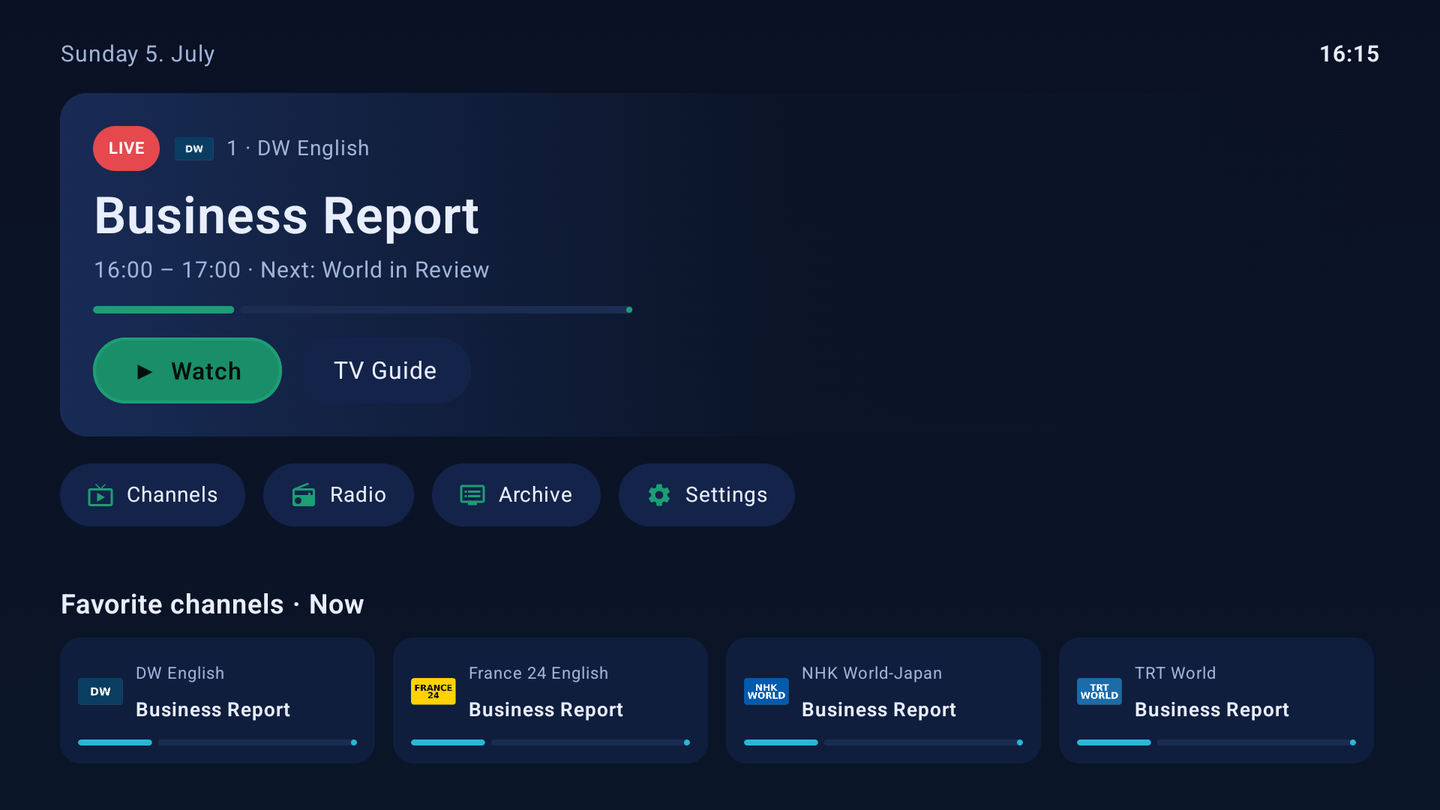
Android TV — full guide (grid EPG)

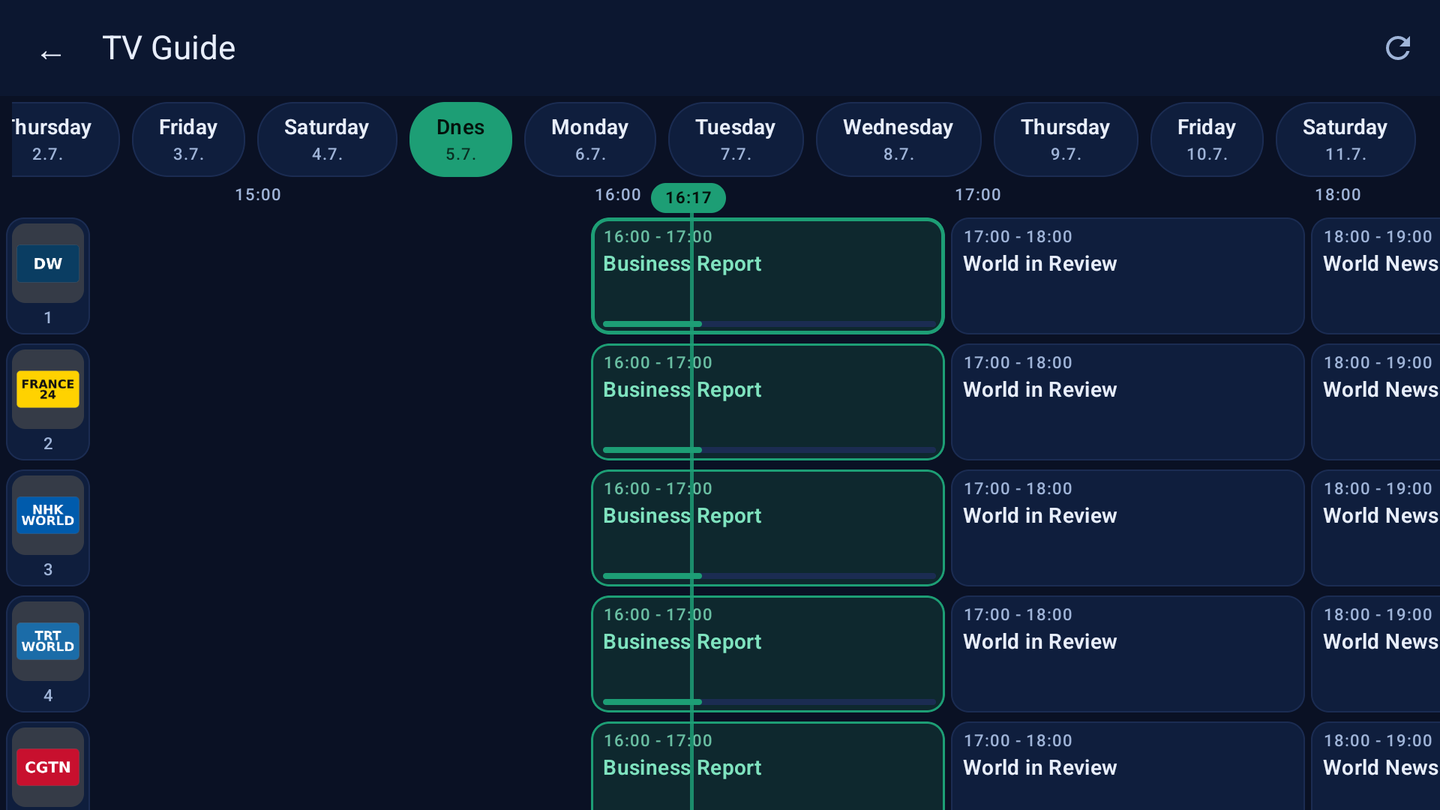
Android TV — player

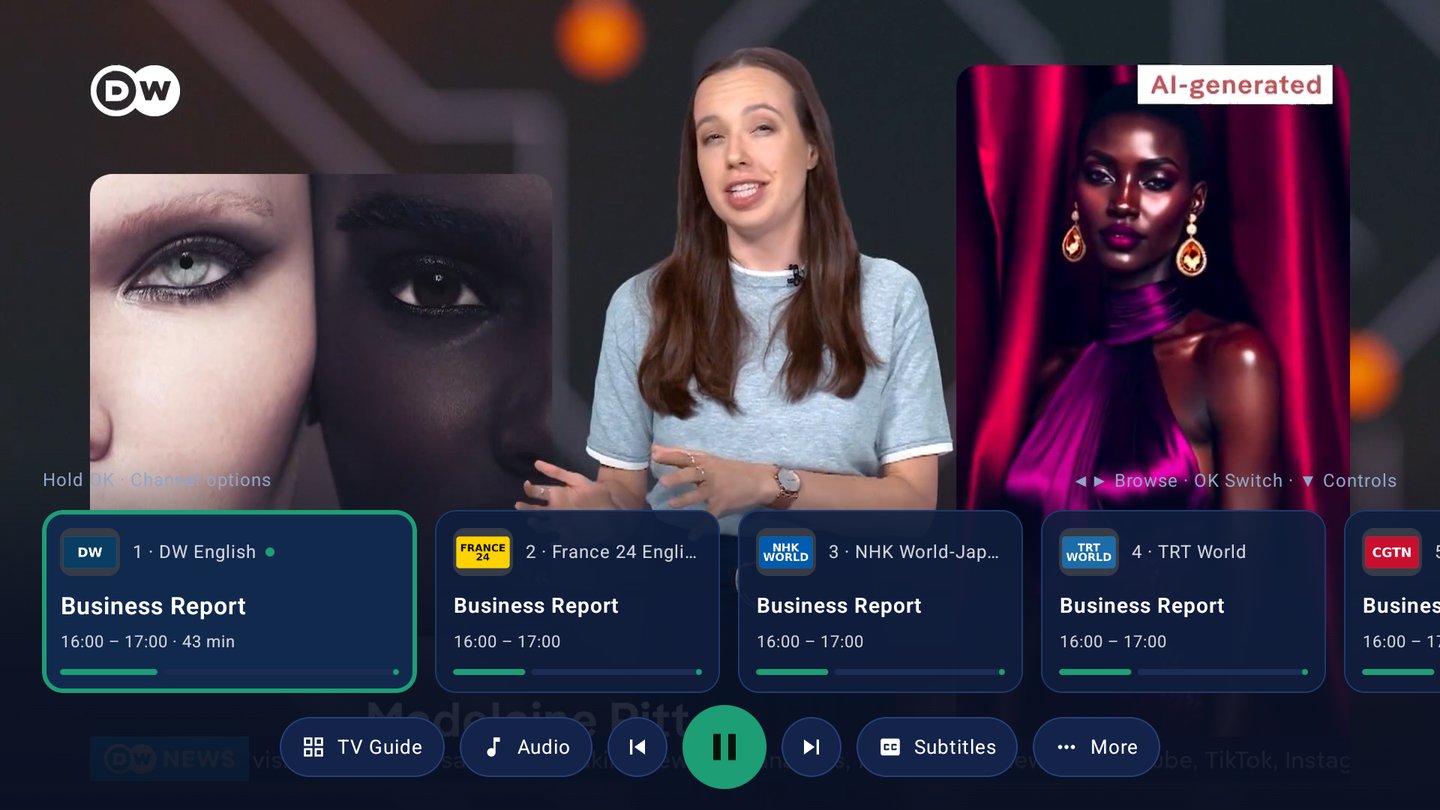
Phone — channel list

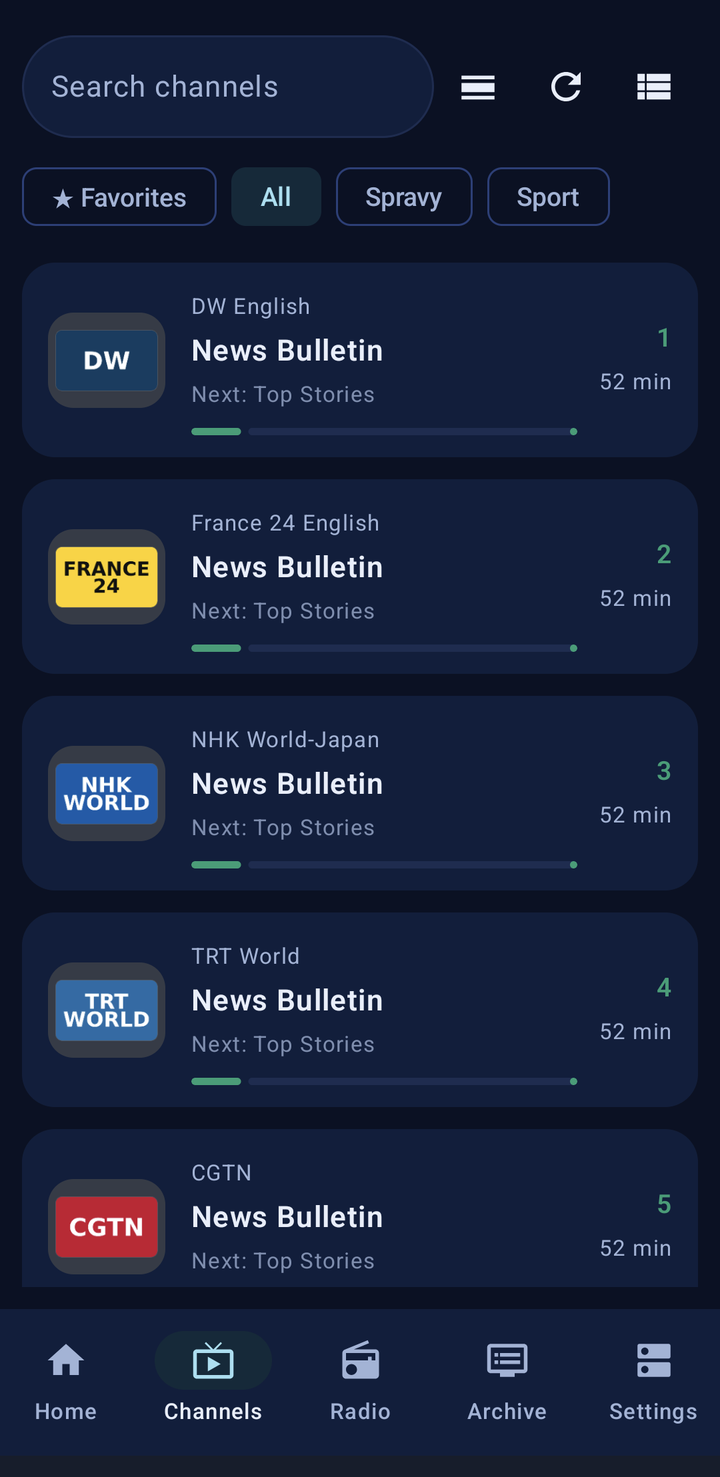
The Modern layout also adds a proper phone home screen (a live "now" card and a rail of your favourite channels) that the Classic layout doesn't have.
What's new (recent builds)
- Two interfaces — Classic and Modern, chosen in Settings; both fully functional.
- Automatic refresh rate (AFR) — the display switches to match the stream (e.g. 50 Hz for 25 fps), so motion, pans and sports are smooth without judder. Android TV (with an optional pause after the switch) and phones via the system frame-rate API. On by default, toggle in Settings → Player.
- Better audio sync — on passthrough to a TV/AV receiver, sound could lag behind the picture; the player now compensates automatically and re-syncs shortly after each channel change, with a manual fine-tune if needed.
- Background radio (mini player) — radio keeps playing while you browse channels, EPG or the archive: a bar above the tabs on phones, a media notification that survives a locked screen, and a dedicated panel on the Android TV home screen. Also fixed on digest-authentication servers.
- Continue watching — the home screen offers a rail of what you were watching, and resuming a recording now continues from the last position instead of restarting.
- Remote & playback — added/corrected remote keys (dedicated audio & subtitle buttons, MENU opens the on-screen controls), Picture-in-Picture respects its setting with a manual PiP button, and D-pad subtitle selection no longer switches the audio track by mistake.
- Player follows the light theme — the on-screen controls (channel surf bar) now match the light theme too; dark mode looks exactly as before.
- Crash diagnostics — if something goes wrong, a log is saved and you can review and send it straight from Settings → About → Diagnostics (pre-filled with device, Android version, app version and date).
Under the hood
- HTSP for streaming, the Tvheadend HTTP interface for picons.
- Authentication works with both plain and digest (MD5 / SHA-256 / SHA-512-256).
- Playback powered by libVLC, with deinterlacing and audio-output options.
- The interface is available in 31 languages.
Try it / join testing
The app is in active development and currently in closed testing — I'm growing the tester group and would welcome more people running different servers and devices (phones, Android TV boxes, various Android versions). If you'd like in, you can sign up here:
→ Sign up for testing
What's next
Development continues at a steady pace: more polish on the Modern interface, further playback and passthrough refinements, and improvements driven by tester feedback. Feedback and bug reports here or on GitHub are very welcome — thanks to everyone testing so far.