Headent Client — a native Android / Android TV client for Tvheadend (looking for testers)
Hi everyone,
I would like to share a project I have been building in my spare time and to ask the community for help testing it. First of all, thanks to the Tvheadend team for the server — this app would not exist without it.
Headent Client is an independent, community-built client. It is not an official Tvheadend product and is not affiliated with the project. It only talks to your own Tvheadend server and plays your own channels and recordings.
What it is
A native Android app that turns your own Tvheadend server into a proper TV experience — on phones, tablets, and on Android TV / set-top boxes with a remote. It is written from scratch in Kotlin + Jetpack Compose and uses libVLC for playback.
No ads, no tracking, no third-party analytics SDKs — the app only communicates with the server you configure.
What it can do
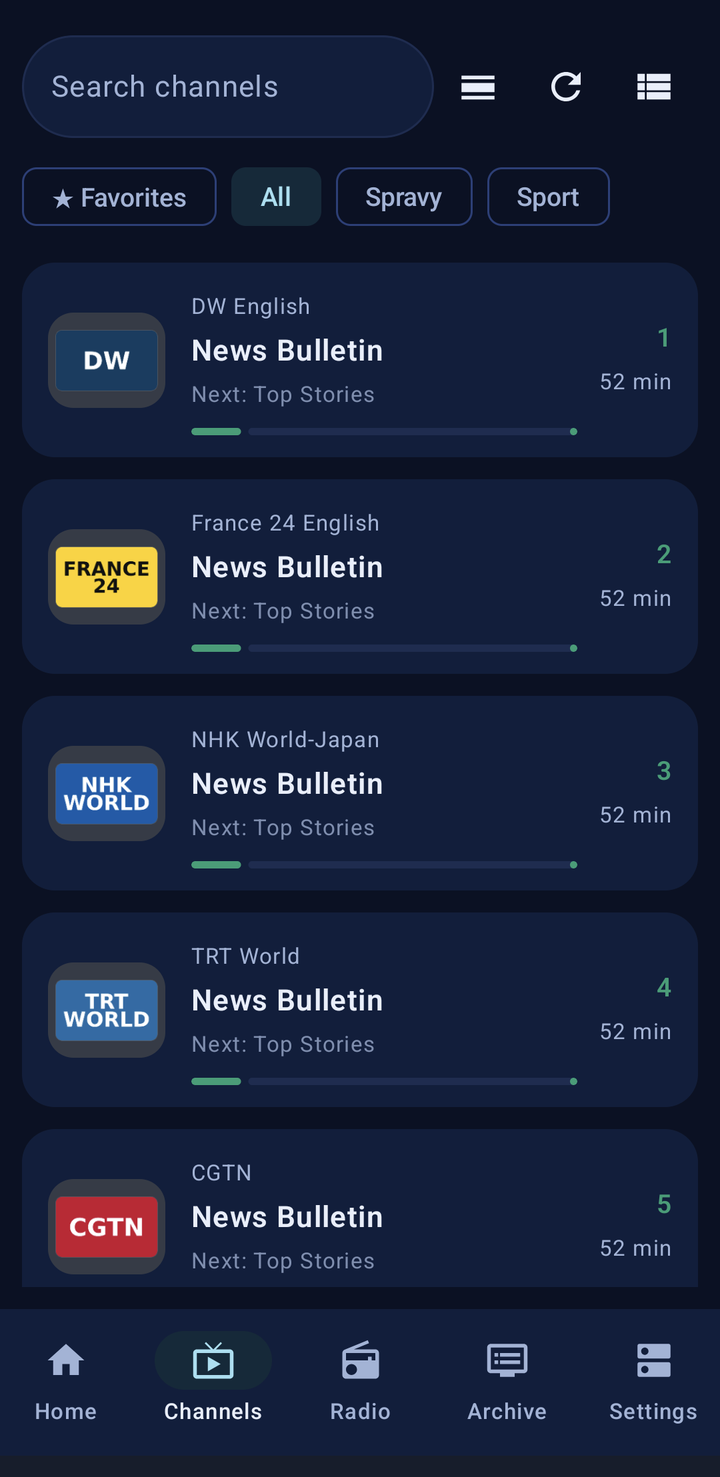
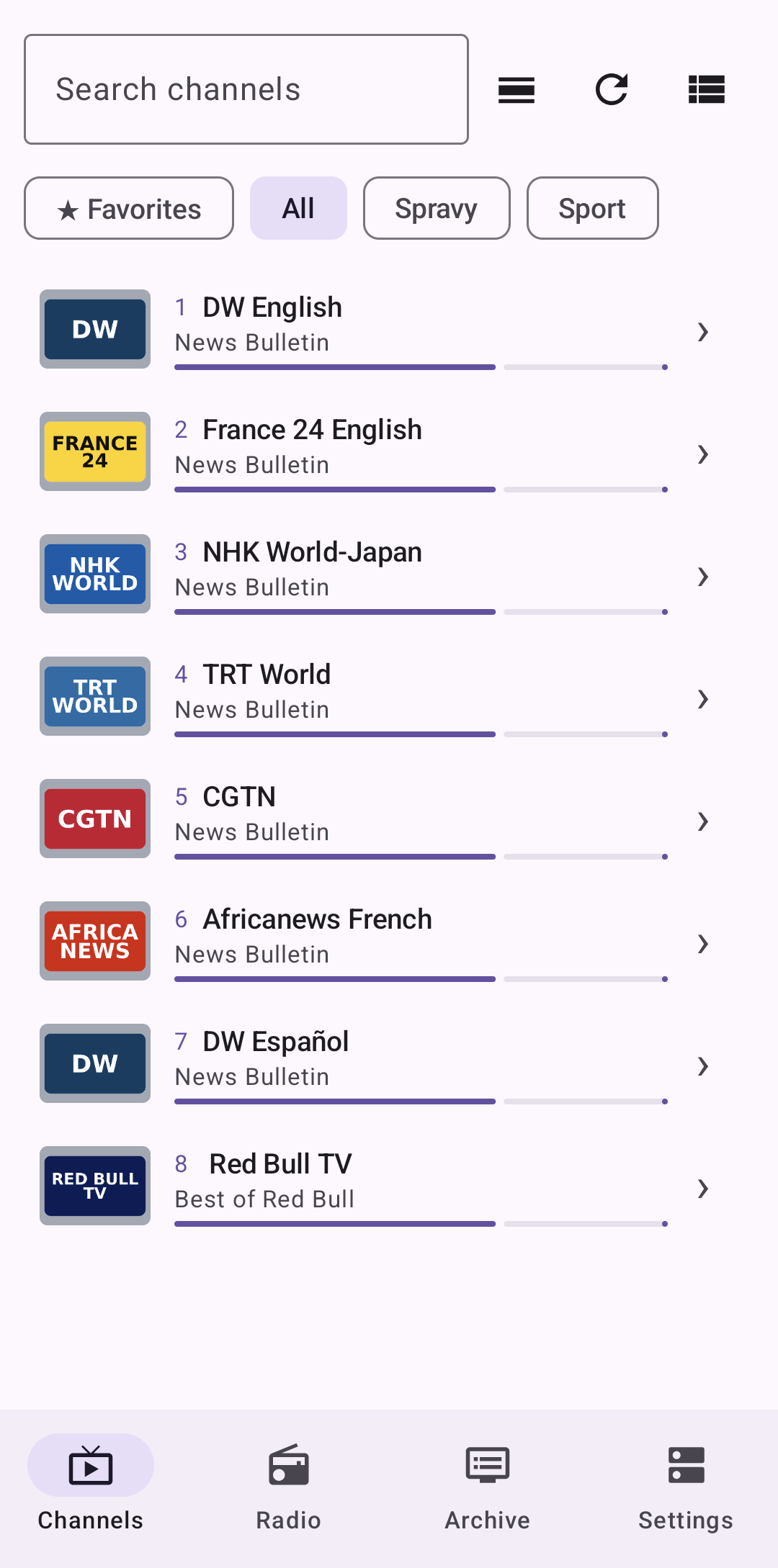
- Live TV: channel list with search, favourites, and category tabs (All / News / Sport, based on your Tvheadend tags)
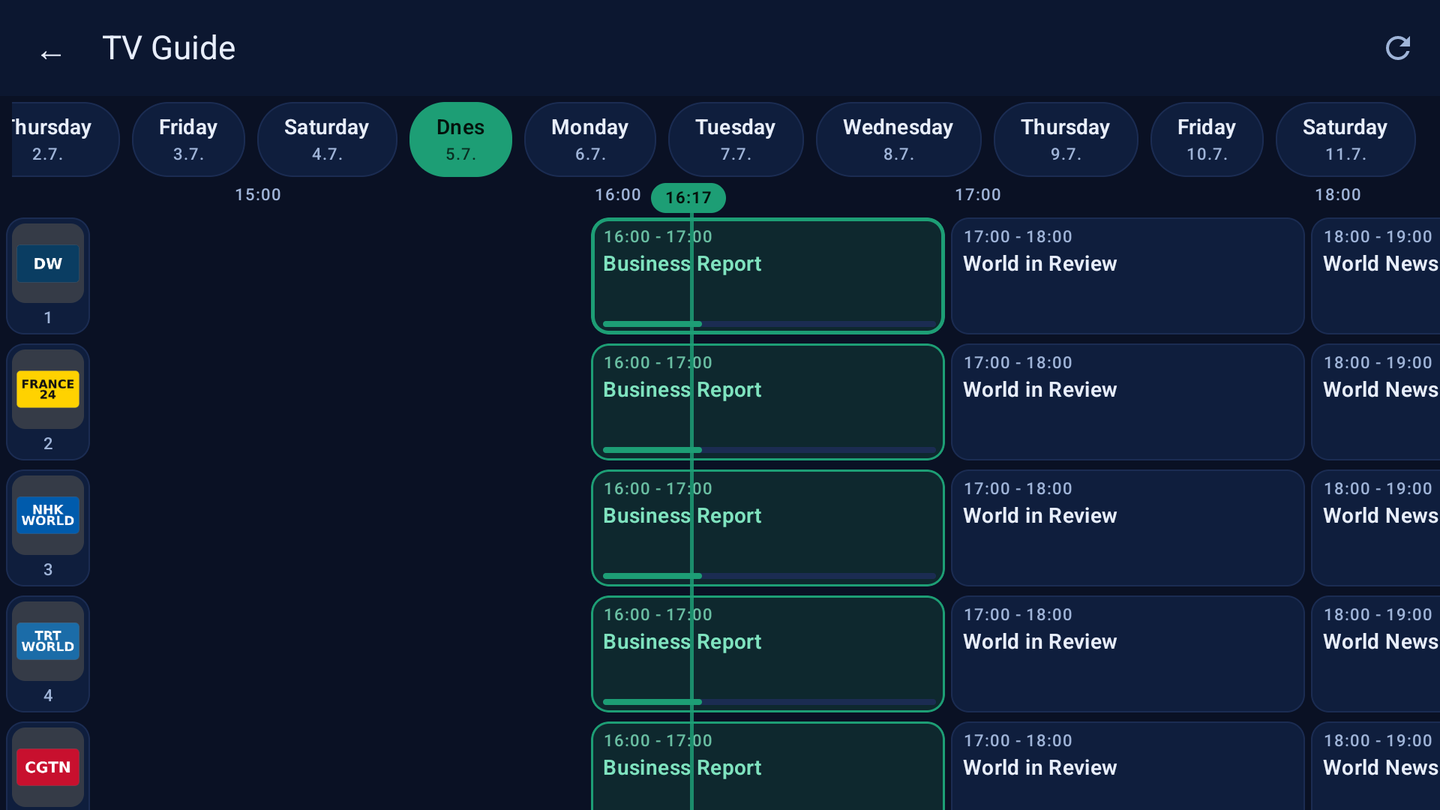
- EPG / TV guide: a multi-day timeline grid with a "now" marker, plus per-channel schedule
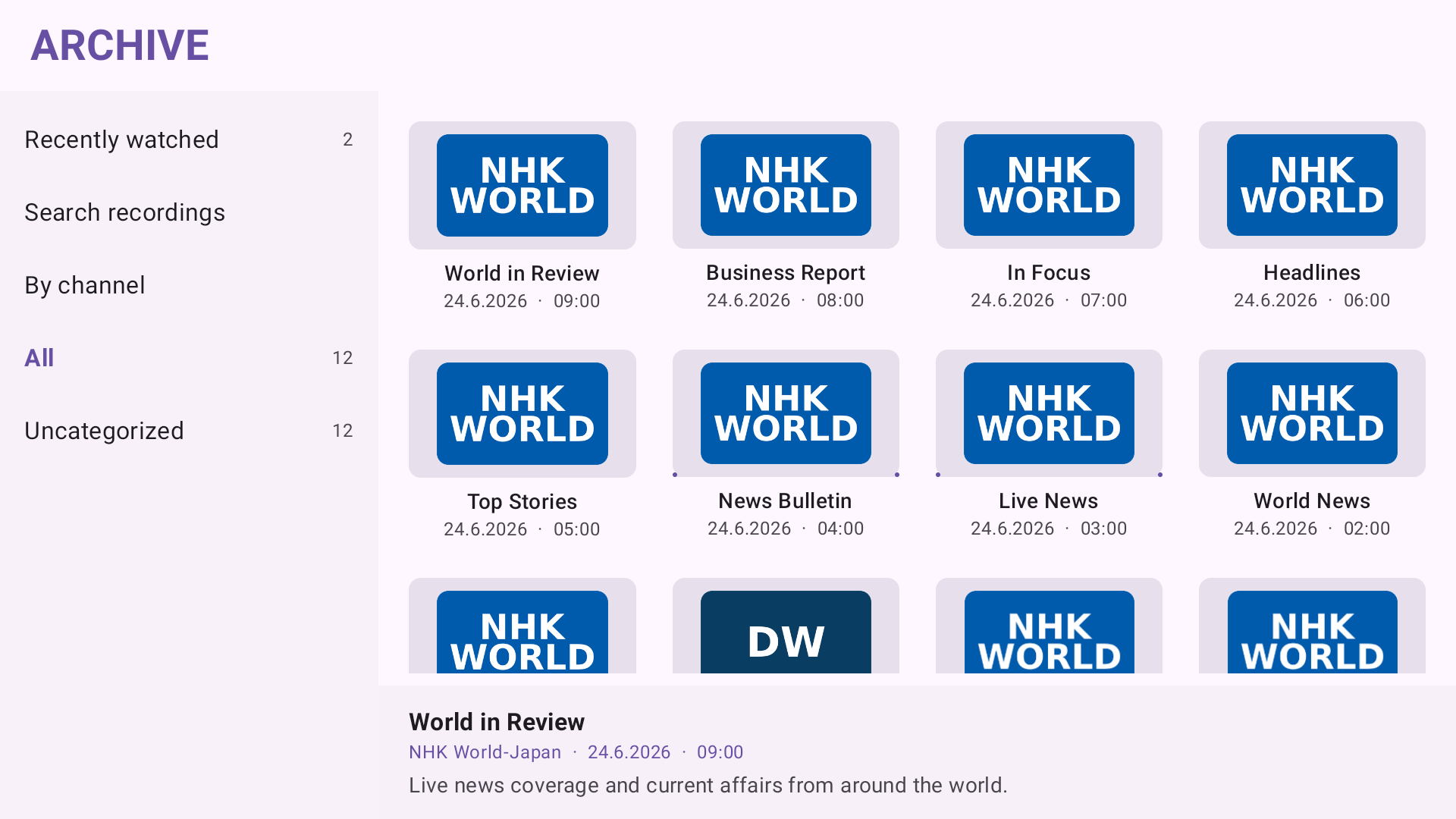
- Archive & catch-up: browse recordings (DVR) and, for channels that support it, scrub back through the timeshift/catch-up window with a seekbar
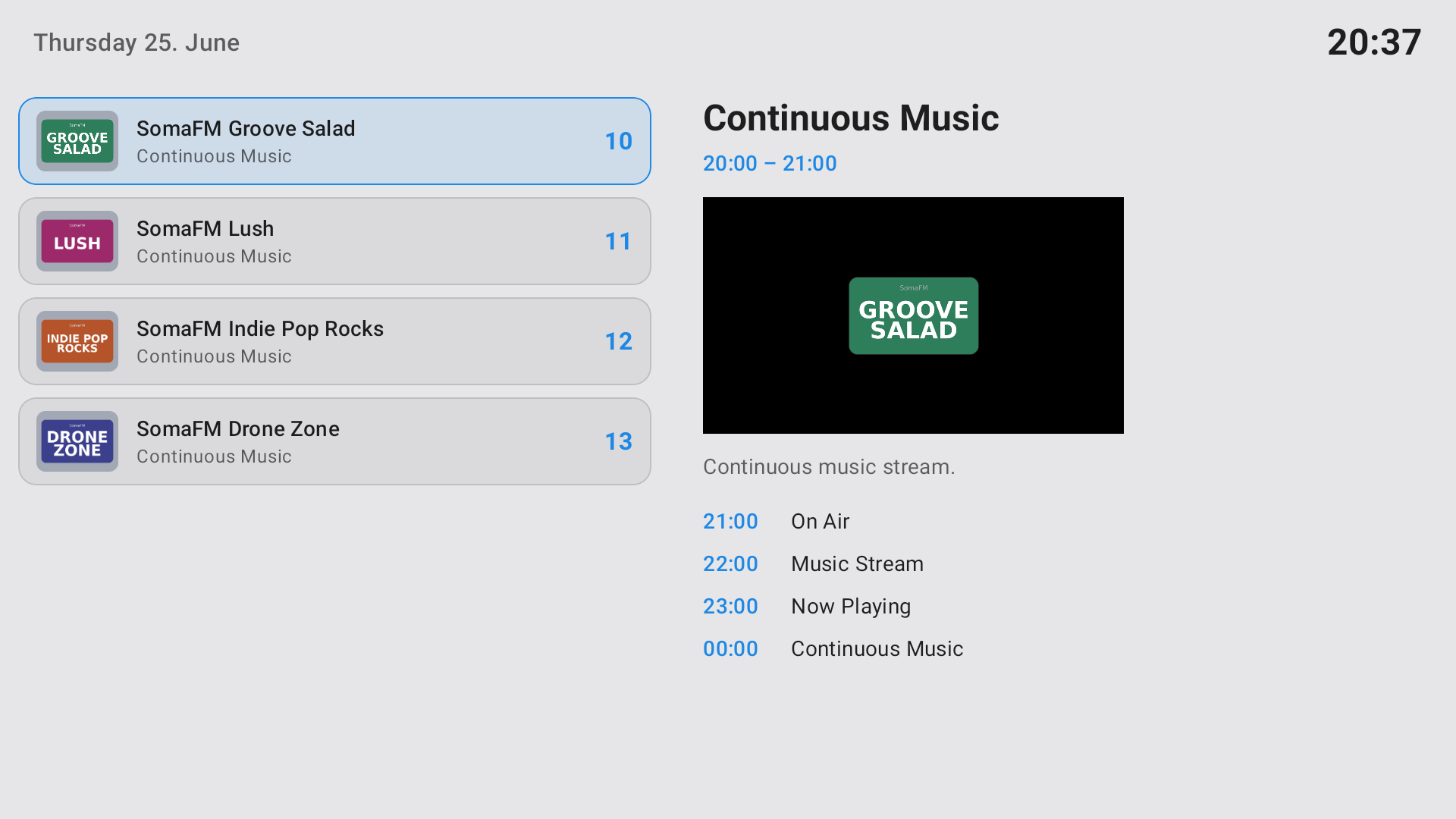
- Radio: a separate section for radio services
- Picons: channel logos fetched from the server and cached automatically
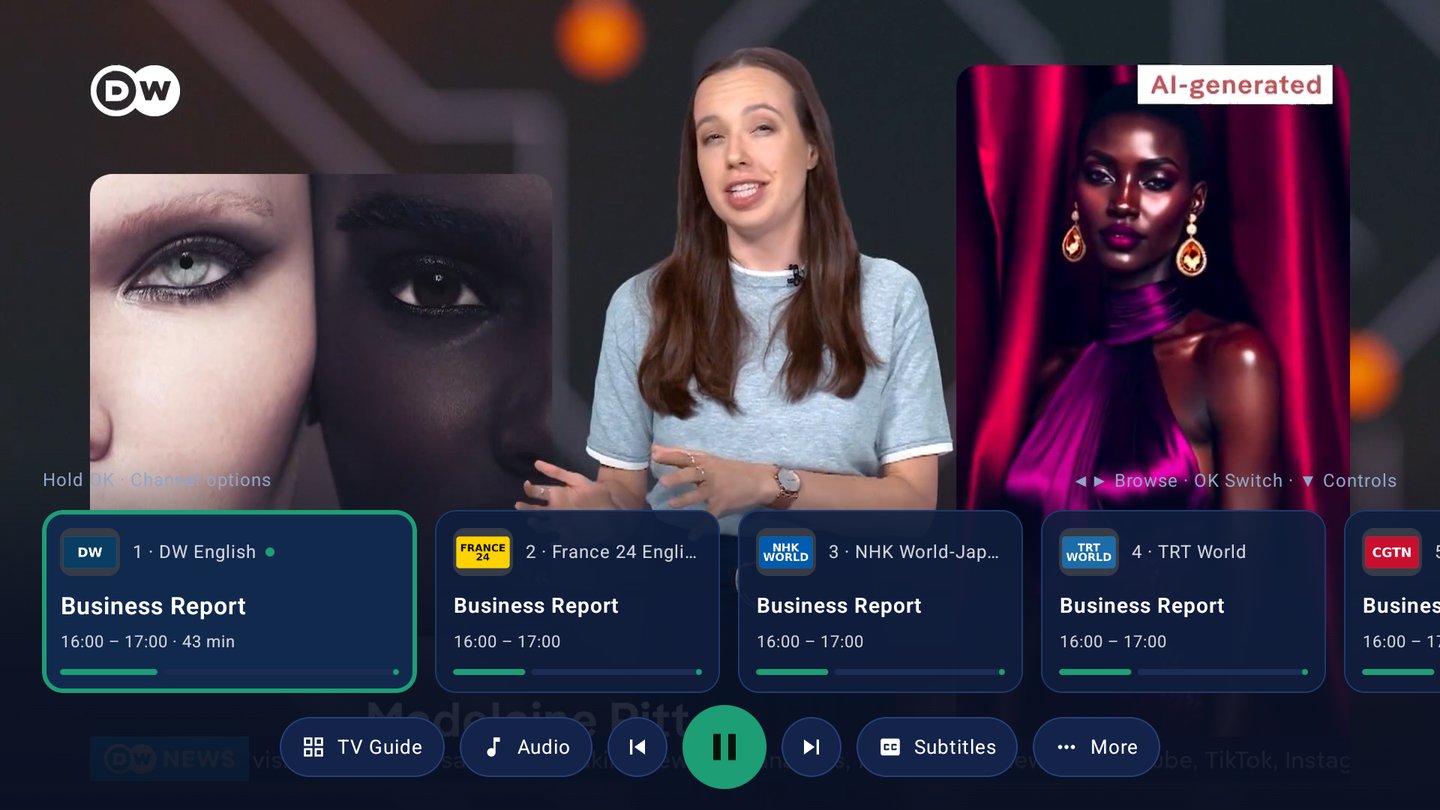
- Player (libVLC): play/pause, previous/next channel, audio-track selection, subtitles, programme info, sleep timer, lock; Picture-in-Picture so you can keep watching while browsing
- Quick zap: an on-screen channel overlay to switch channels without leaving the video
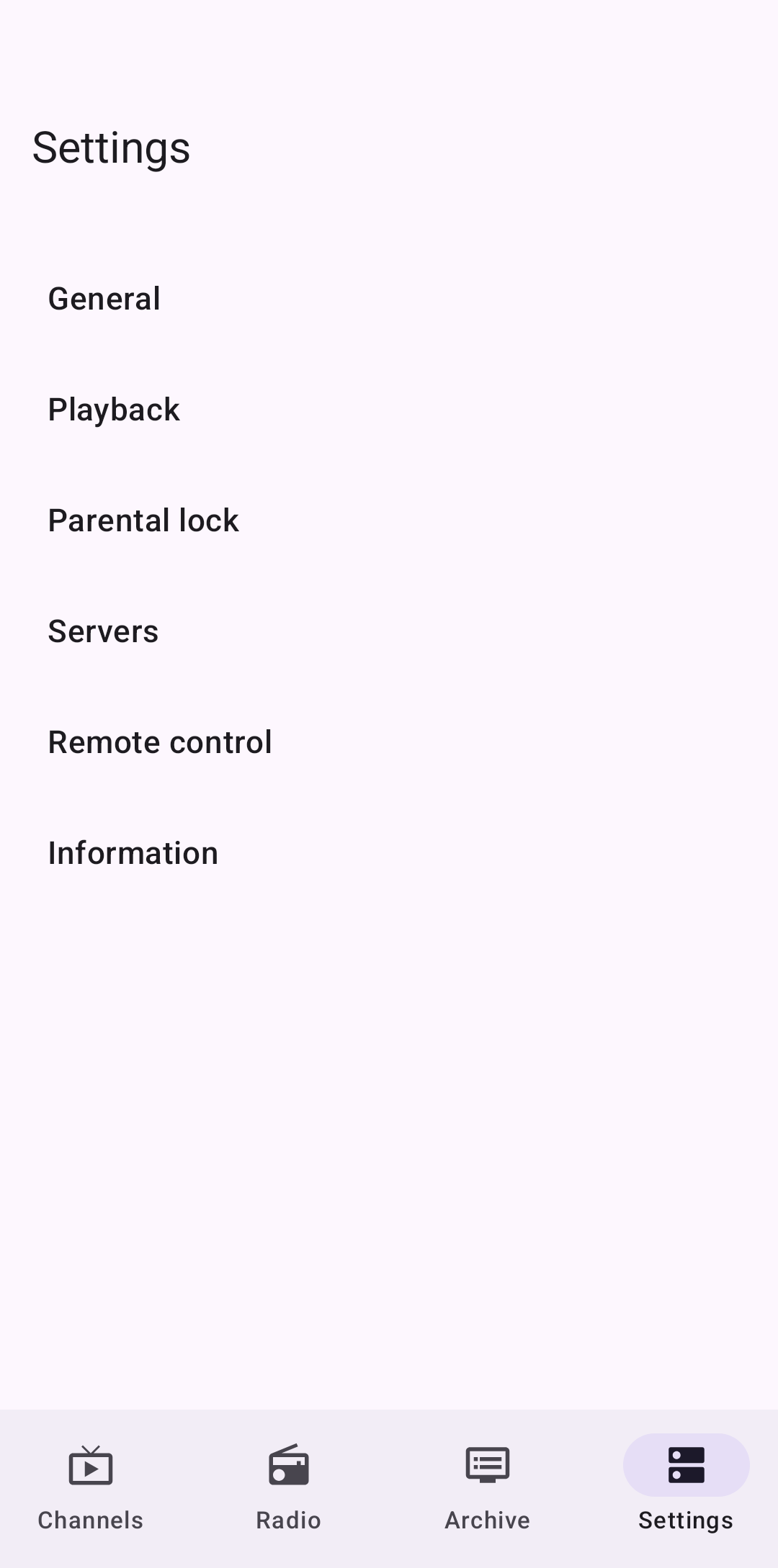
- Parental lock for protected content
- Light / dark / auto theme
How it connects / logs in
On first launch you enter:
- Host / IP address of your Tvheadend server
- Username and password (optional, if your server requires authentication)
It uses HTSP (default port 9982) for streaming and the HTTP interface (default 9981) for picons. Authentication works with both plain and digest (MD5 / SHA-256 / SHA-512-256), so it should work with the usual Tvheadend access setups. The connection is verified right after login.
On Android TV / boxes the UI is built for remote (D-pad) navigation, and the app remembers the last channel and the last section you used after a reboot.
Screenshots
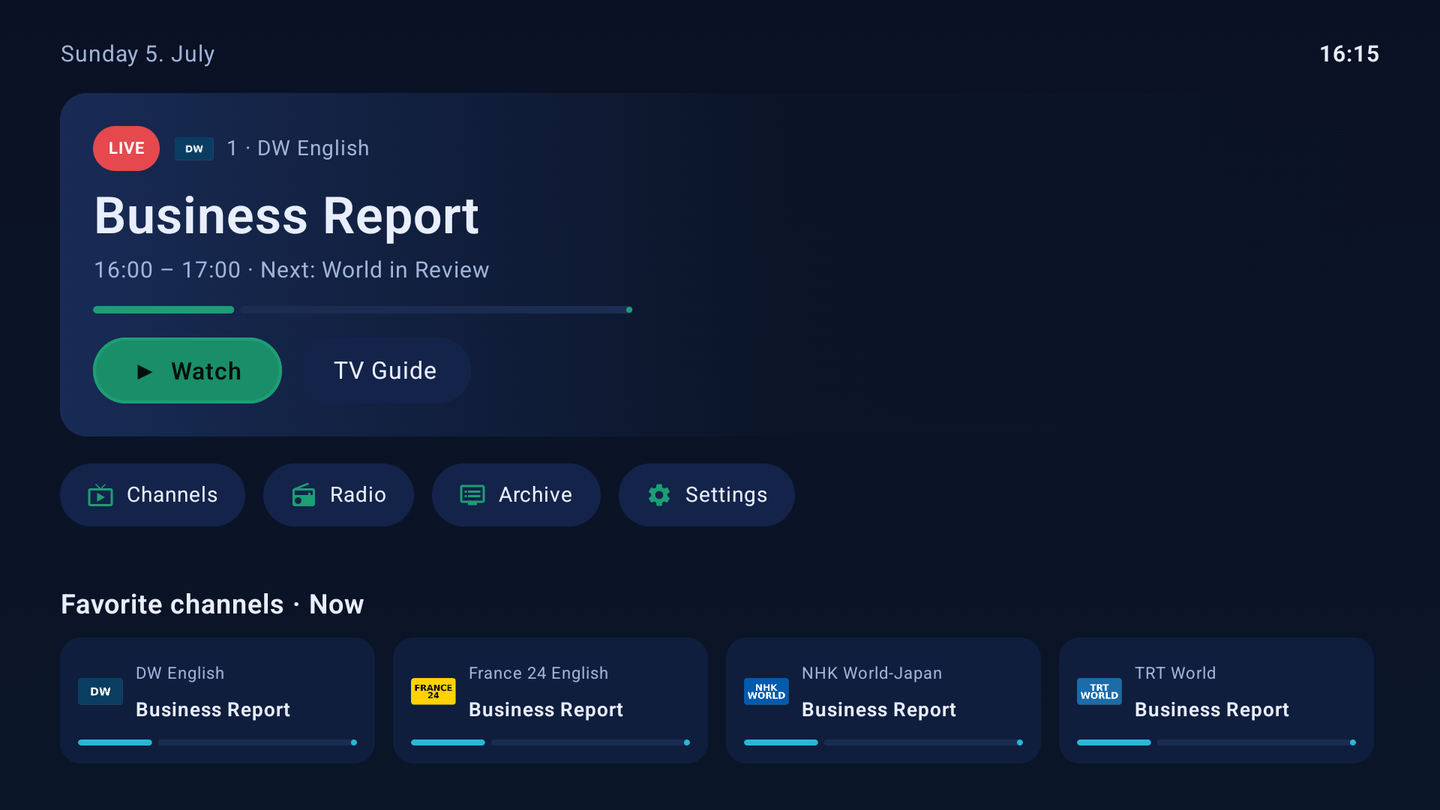
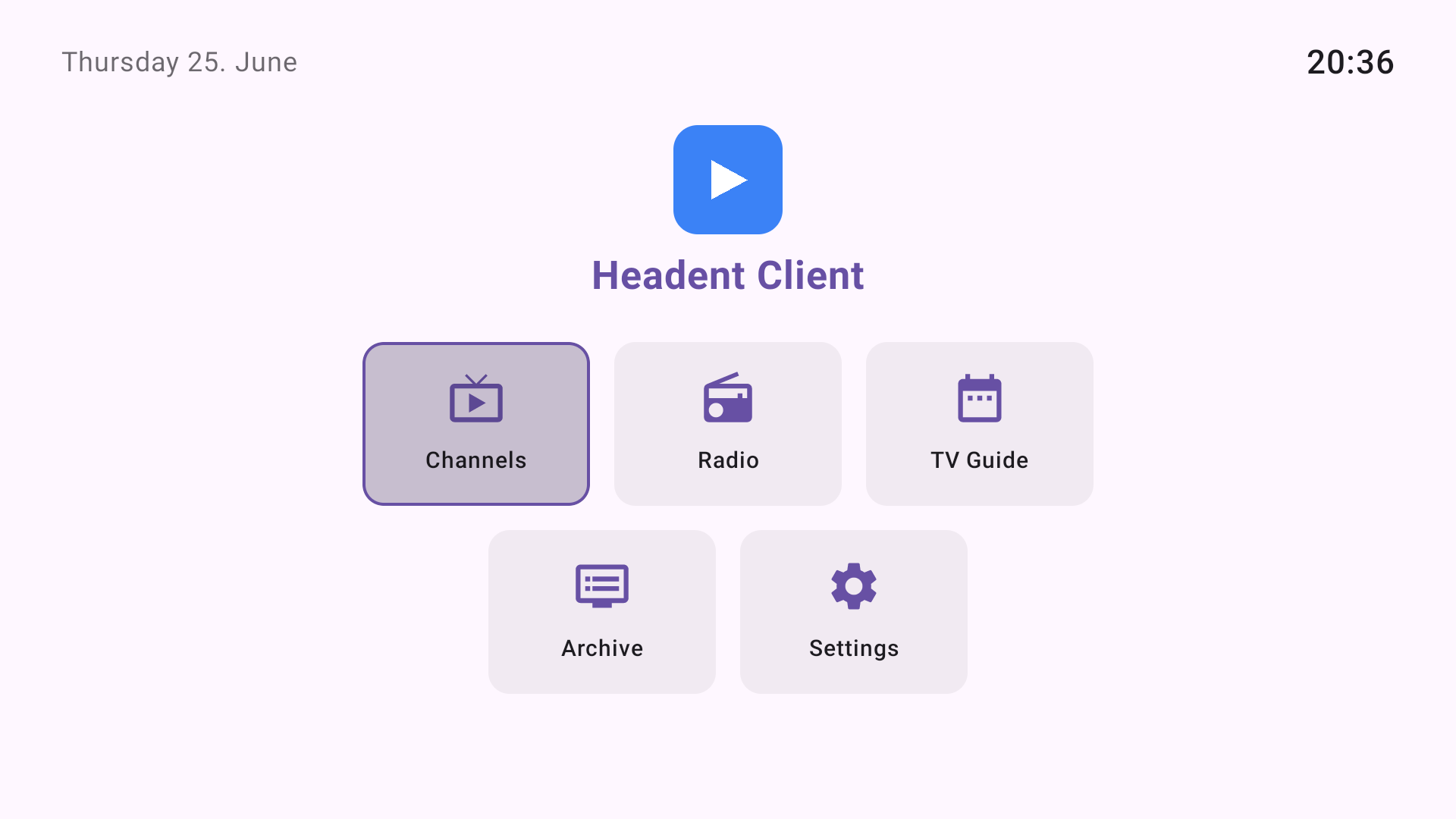
Android TV — home (D-pad navigation)
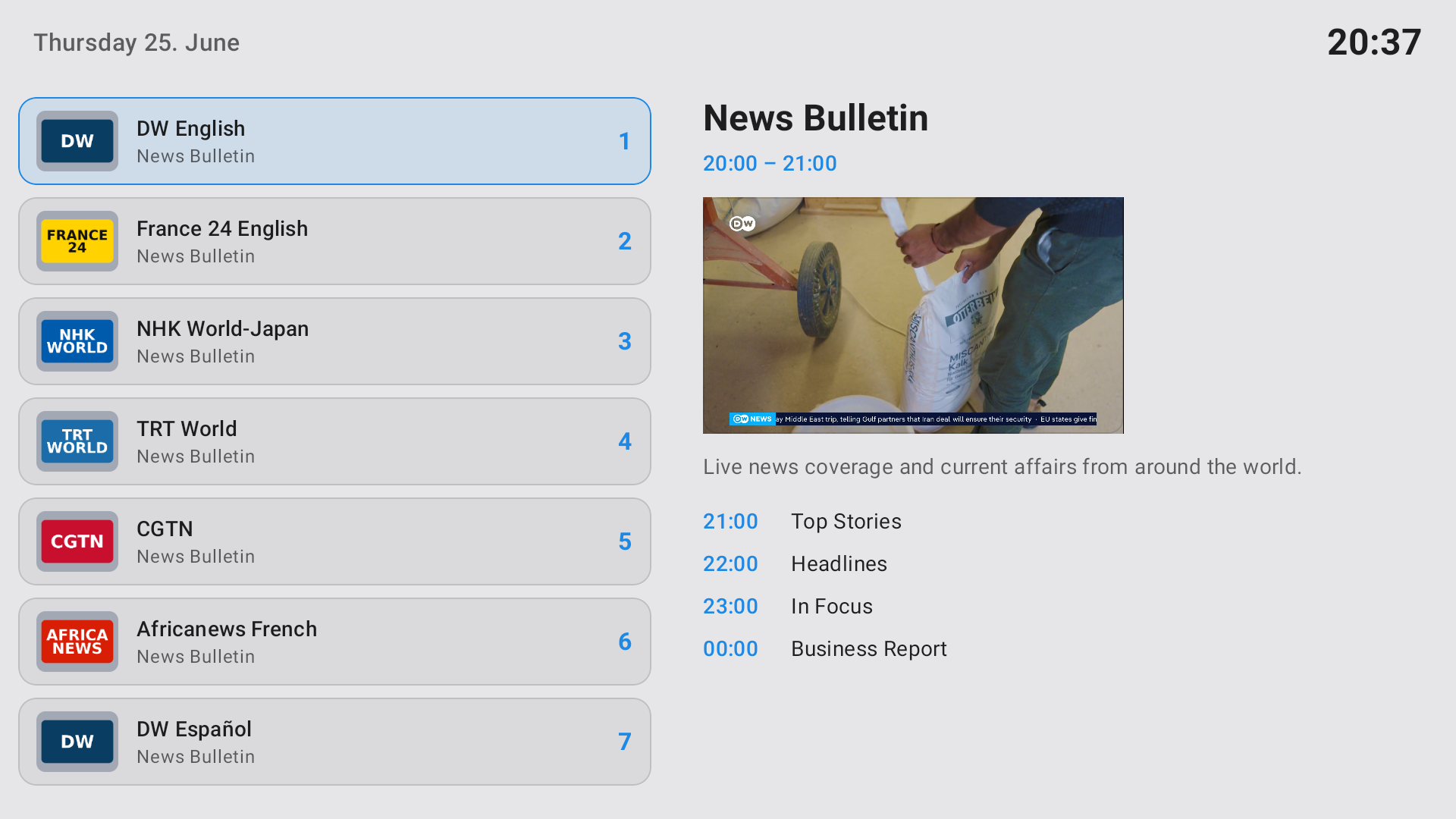
Android TV — channel list and programme info
Player — full controls (audio, subtitles, sleep timer, lock, Picture-in-Picture)

Radio
Archive / recordings (DVR)
On a phone — channel list with search, favourites and category tabs
On a phone — settings (multiple servers, parental lock, remote control)
Current status on Google Play
The app is currently in closed testing on Google Play (available in 177 countries/regions).
To be able to apply for a public production release, Google now requires at least 12 testers to be opted in and to stay opted in for 14 consecutive days. That is exactly why I am posting here — I need active testers on a variety of devices to reach that threshold and, more importantly, to find and fix real-world bugs before a public release.
What I am working on right now
- Catch-up seekbar alignment for channels with continuous recordings
- Polishing the Android TV home screen and D-pad navigation
- Ironing out install/compatibility differences across set-top boxes (some cheaper hybrid boxes behave differently than phones/tablets)
Honest feedback on any of these — or anything else that feels off — is very welcome.
Looking for testers
If you run Tvheadend and would like to help, I would really appreciate it. What it takes:
- A Gmail account (@gmail.com) — that is how Google adds you to the test build
- Keep the app installed for 2 weeks and use it now and then
- Report anything that does not work (logs/screenshots help a lot)
Devices of all kinds are useful — phones, tablets, Android TV, and especially various set-top boxes, since that is where most compatibility surprises happen.
To sign up, please fill in the short form (it asks for your Gmail account, device type/model and a couple of details):
https://headentclient.com/testers.php?lang=en
Once you are added you will receive an opt-in link; you confirm participation in Google Play and the app becomes available to you. If you do not have your own Tvheadend server but still want to try the app, mention it in the form — a demo server can be provided.
Contact
Thanks a lot for reading, and thanks again to the Tvheadend project. Any feedback is greatly appreciated.