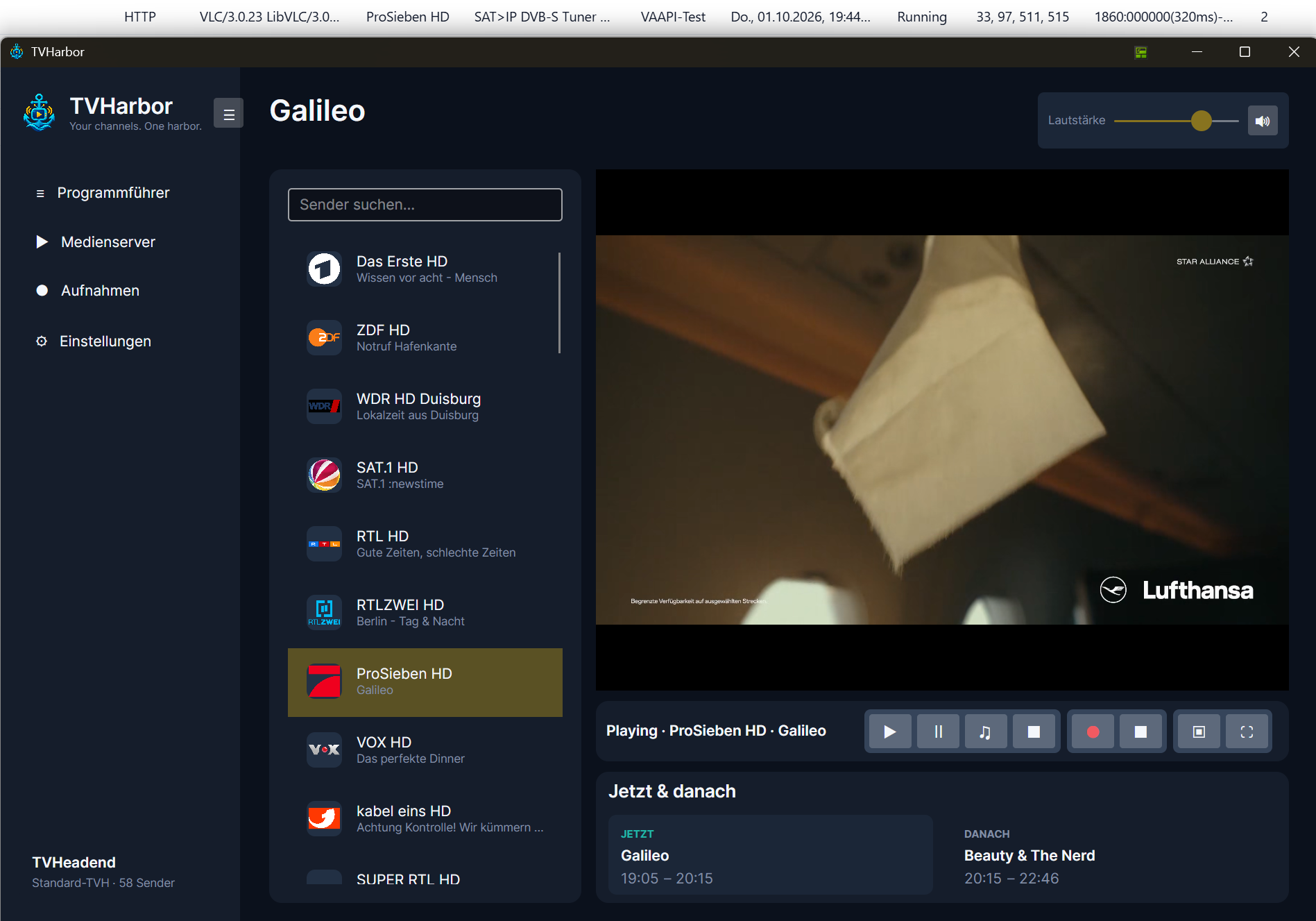
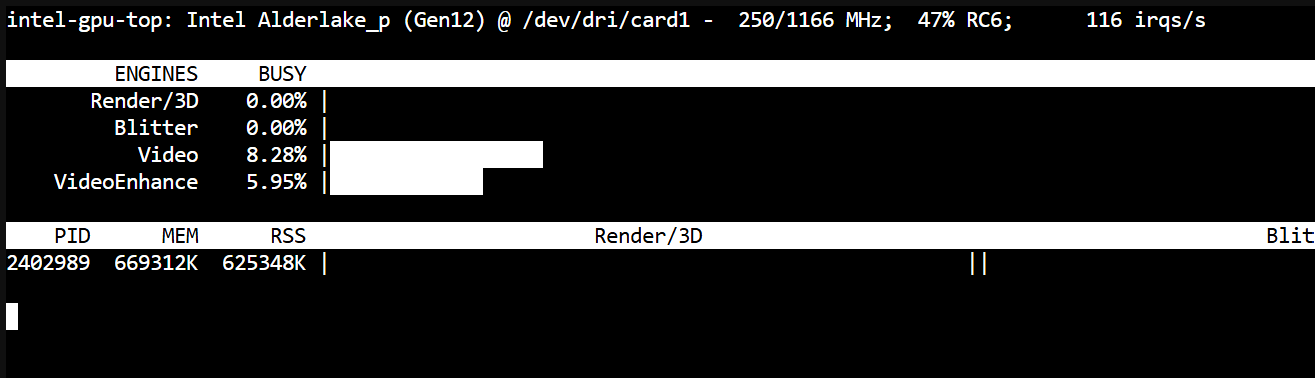
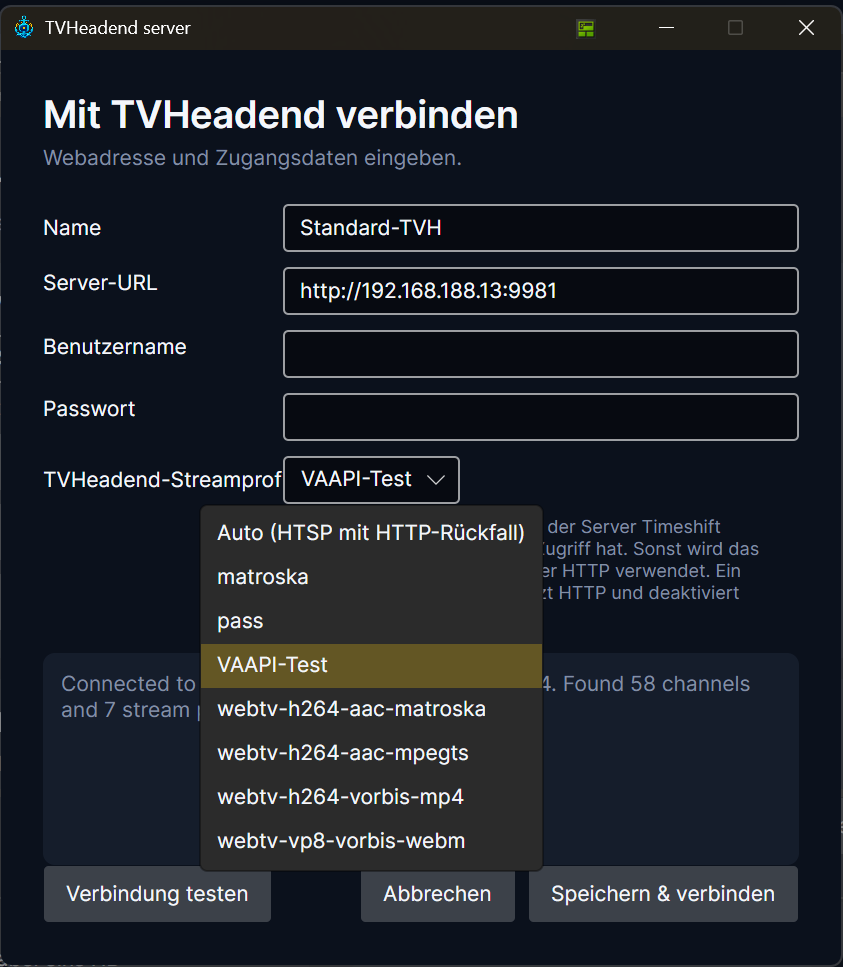
TVHarbor Beta 8 – Almost Ready! A Sneak Peek at What's Coming 🚀
Hi everyone!
I wanted to share a quick development update on TVHarbor.
Beta 8 is essentially feature-complete! Quite a lot has changed since Beta 7, and I'm really looking forward to getting it into your hands.
There's just one thing holding back the release: HTSP playback reliability. More on that below.
But first, here's what's coming!
📺 A Completely New EPG Experience
The program guide has received a major upgrade.
- New Timeline EPG: Browse channels and upcoming programs in a graphical, time-based view.
- Classic List View: Still available if you prefer the traditional layout.
- Remember Your Preference: Select your default EPG view in Settings.
- Single-click for Details: View program information without changing channels.
- Double-click to Watch: Switch directly to the selected program's channel.
- Recording from the EPG: Schedule recordings directly from program details.
- Recording Indicators: Scheduled recordings are highlighted with a red recording icon.
- Recording Padding: Your configured pre- and post-recording times are respected.
🎬 EPG Overlay in Cinema & Fullscreen Mode
One of my favorite additions!
You can now open the graphical EPG directly over the playing video, without leaving Cinema or Fullscreen mode.
Playback continues in the background, including audio. The currently playing channel is automatically highlighted and brought into view.
Open the guide using the playback controls, browse the schedule, and close it again with a button or Esc.
No need to leave fullscreen just to see what's on next!
⚙️ Completely Redesigned Settings
The Settings window has been reorganized into seven sections:
TVHeadend, Media Server, Playback, Program Guide, Recordings, Appearance, and Maintenance.
It's more compact, easier to navigate, and includes improved handling of preferences.
You can now configure your preferred EPG view, guide refresh interval, and recording padding in their respective sections.
Language support has also been improved across all five supported languages: English, German, French, Spanish, and Italian.
🔎 Automatic TVHeadend Server Discovery
Setting up TVHarbor is getting easier.
Instead of manually entering your server address, TVHarbor can now search your local network for TVHeadend servers.
Select a discovered server, test the connection, and you're ready to go.
Manual configuration remains available, of course.
✨ Additional Improvements
There are plenty of smaller changes too:
- The current TVHarbor version is now visible in the main window.
- Improved window handling when switching playback modes.
- Better behavior when saving and closing Settings.
- More consistent translations and interface messages.
- Various EPG, UI, and usability fixes.
🚧 So, Why Isn't Beta 8 Available Yet?
Unfortunately, there's still a reliability issue with HTSP playback.
In certain situations, a stream starts with video but no audio. Restarting the stream often resolves it, but that's obviously not something I want users to deal with.
Since HTSP is particularly important for Timeshift support, I don't consider the current behavior acceptable for a public release.
I've spent quite some time investigating the current HTSP-to-MPEG-TS implementation. Rather than continuing to patch that pipeline indefinitely, I'm now evaluating a different approach:
A native HTSP plugin for LibVLC.
The idea is to let LibVLC handle HTSP streams directly, without TVHarbor having to remultiplex them into MPEG-TS first.
There are already some interesting open-source implementations and forks that provide a promising starting point, including support for pause and seeking.
This is still an investigation, not a finished solution, but I'm optimistic that it's worth pursuing.
The initial focus will be Windows and Linux. macOS support for the plugin may come later; regular HTTP playback will remain available.
And importantly, HTTP playback is working well. The goal is to keep it as the standard playback method, with HTSP available when Timeshift is needed.
I'd rather take a little longer and release something reliable than rush Beta 8 out with a known playback problem.
🏁 What's Next?
Once the HTSP issue is resolved and the final tests are complete, Beta 8 will be released.
After that, the focus will shift toward TVHarbor 1.0, with stability, compatibility, and polishing taking priority over additional major features.
Thanks to everyone who has downloaded, tested, or shown interest in TVHarbor so far. It's genuinely motivating to see that people are using it!
Beta 8 is getting close. Stay tuned! 😎